Add an AI Label to Your Photos
Free · No registration needed
Under the EU AI Act, realistic images generated or substantially altered by AI must be disclosed to buyers. Drop your photos, pick one of five badges, place it in a corner and download — all in your browser, without uploading anything.
- Five ready-made badges, placed in any corner
- Keeps original dimensions and format
- Runs locally — your photos never leave your device
Drop your product photos here or click to choose
JPG, PNG and WebP
Nothing is uploaded — everything happens in your browser.
By using this tool, you agree to our Terms of Service and Privacy Policy.
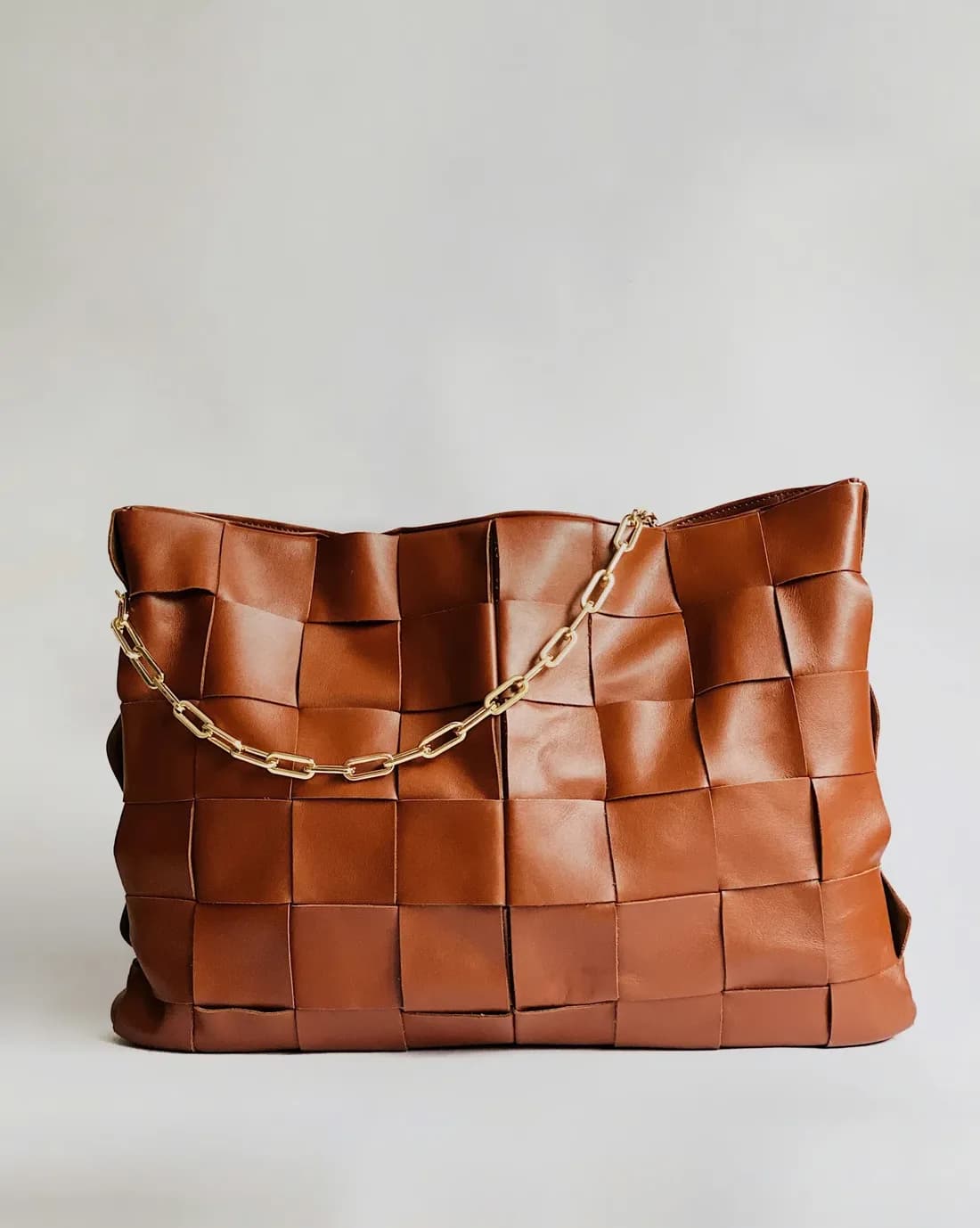
Click a corner of the photo to move the badge. This is exactly what gets burned into the pixels.
Do your photos need an AI label?
Article 50 of the EU AI Act applies from 2 August 2026. Realistic images generated or substantially altered by AI must be disclosed, so buyers know what they are looking at. Read the rules
Usually no label needed
- Background removal
- Light and colour correction
- Upscaling
Label needed
- Generated scenes and arrangements
- Ghost mannequin
- Virtual try-on
This is general information, not legal advice.
Labelling on autopilot
Pixel Fiddler does it for you — it recognises which photos need a label and marks only those. No need to keep track manually.
See how AI labelling worksMore Free Tools
Check out our other free image tools - no signup required.
Marketplace photo checker
Check photos against Allegro and Amazon requirements, in your browser.
Group product photos
A folder of photos → products, in your browser
Compress Images
Shrink product photos without visible quality loss. Faster pages, happier shoppers.
Browse All Free Tools
Check, organise and label product photos, plus compression and conversion. Free, no signup.